
Modern manufacturing depends on speed, precision, and engineering consistency — and industrial CAD design plays a central role in achieving all three. From the first conceptual sketch to CNC machining and final assembly, manufacturers rely on CAD systems to create accurate models, reduce production errors, and streamline communication between engineering and shop floor teams. Today, CAD design and manufacturing workflows are essential across industries such as heavy equipment, automotive, aerospace, fabrication, and industrial machinery. CAD is no longer just a drafting tool; it is a core part of modern manufacturing operations.
What is Industrial CAD Design?
Industrial CAD design refers to the use of computer-aided design software to create technical drawings, 3D models, assemblies, and production-ready engineering documentation for industrial products and systems. Unlike architectural CAD, which focuses on buildings, industrial CAD is centered on manufacturability, mechanical performance, tolerances, and production feasibility.
Manufacturing CAD workflows are used to design machine parts, fabricated structures, piping systems, tooling, sheet metal components, and industrial assemblies. Engineers create digital models that support machining, welding, assembly, and quality inspection processes before physical production begins.
Industrial CAD drawings also help standardize engineering communication. Clear dimensions, tolerances, material specifications, and fabrication notes reduce interpretation errors during manufacturing. For companies managing complex production environments, CAD for manufacturing improves operational accuracy while shortening engineering and production cycles.
How CAD is Used in Manufacturing: 5 Core Applications
1. Part Design and 3D Modeling
One of the most common uses of CAD manufacturing software is creating detailed 3D part models. Engineers can define dimensions, materials, hole patterns, tolerances, and geometric features with high accuracy. Parametric modeling also allows quick modifications without redesigning the entire component.
2. Assembly Design
Industrial products often involve multiple interconnected parts. CAD for manufacturers enables teams to create full digital assemblies to verify fitment, movement, alignment, and serviceability. Assembly modeling helps identify interference issues before fabrication starts, reducing costly rework.
3. Bill of Materials (BOM) Generation
Modern manufacturing CAD systems can automatically generate BOMs from assembly models. These lists include raw materials, fasteners, purchased parts, and fabrication components, helping engineering and procurement teams stay aligned throughout production.
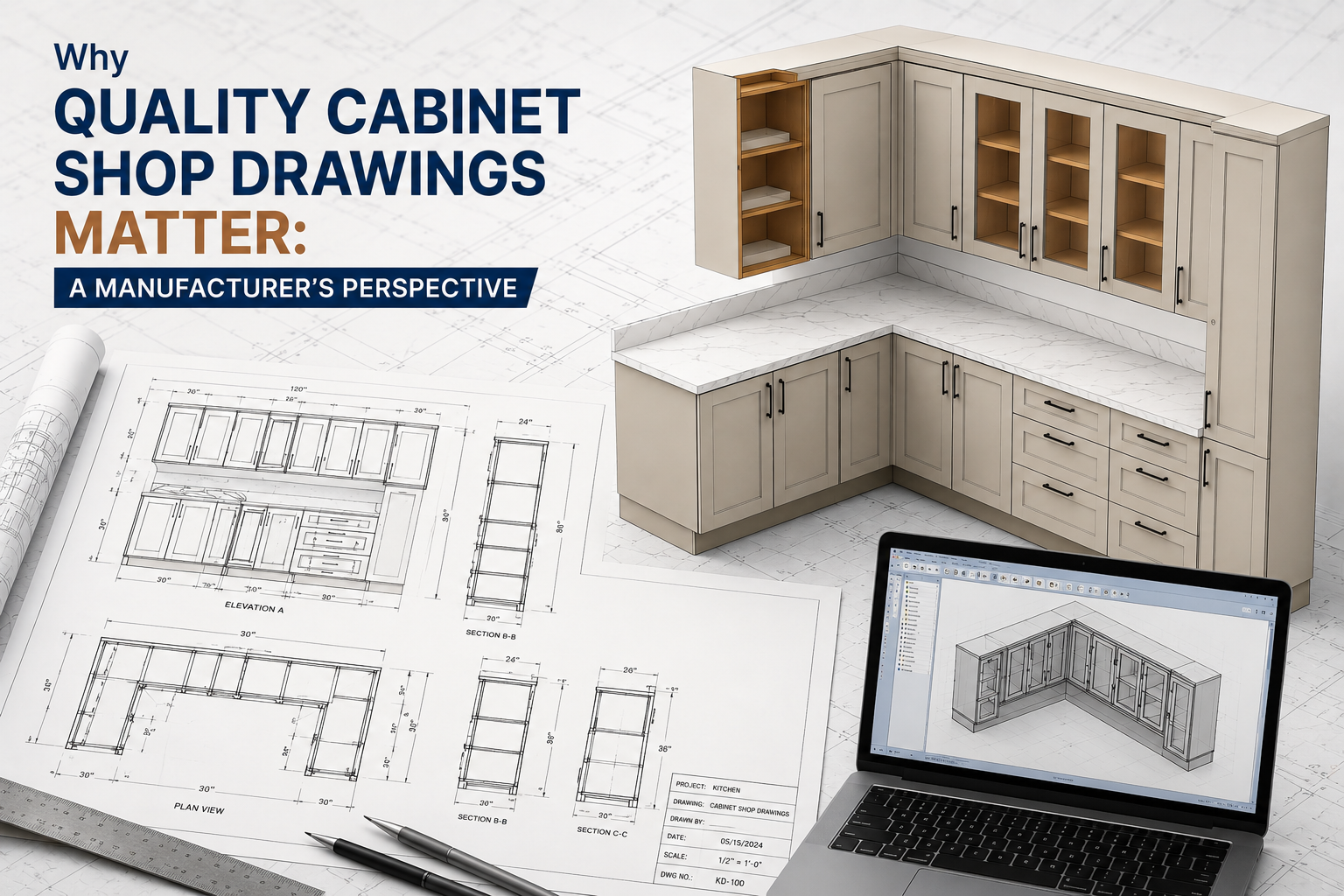
4. Shop Drawings and Fabrication Documentation
Industrial CAD drawings provide machinists and fabricators with production-ready documentation. Drawings typically include dimensions, weld symbols, machining instructions, surface finishes, and assembly references. Standardized drafting improves shop floor clarity and manufacturing consistency.
5. Simulation and Design Validation
Another important answer to “how is CAD used in manufacturing” is simulation. Many CAD platforms integrate with engineering analysis tools that test stress, motion, vibration, and thermal behavior before production begins. This reduces prototyping costs and improves product reliability.
CAD for Heavy Machinery vs Precision Parts: Different Demands
Different manufacturing sectors use industrial CAD design in different ways. Heavy machinery manufacturers typically focus on large assemblies, structural weldments, hydraulic systems, and fabrication-heavy workflows. Their CAD requirements prioritize assembly coordination, structural integrity, and production scalability.
Precision component manufacturers, however, focus more on tight tolerances, machining accuracy, and compact geometries. Their CAD for manufacturing workflows often requires advanced surface modeling, GD&T compliance, and CNC integration.
For example, a manufacturer producing mining equipment may prioritize layout coordination and steel fabrication drawings, while a precision parts supplier may focus on micron-level machining accuracy. Although both depend on manufacturing CAD systems, the technical priorities vary significantly based on product complexity and production methods.
How Industrial CAD Drawings Reach the Shop Floor
Creating CAD models is only one stage of the manufacturing process. Manufacturers also need structured systems to release approved drawings and engineering data to production teams. This is typically managed through Product Data Management (PDM) systems and revision control workflows.
Once approved, industrial CAD drawings are released as controlled drawing packages containing fabrication details, assembly instructions, BOMs, and inspection requirements. Revision tracking ensures machinists, welders, and assembly teams always access the latest approved version.
In many advanced manufacturing facilities, CAD data is directly connected to CNC machines, laser cutters, and automated fabrication systems. This digital workflow reduces manual errors while improving production speed and traceability.
Choosing the Right CAD Software for Manufacturing
Selecting the right CAD software depends on manufacturing requirements, product complexity, and production workflows.
AutoCAD is commonly used for 2D drafting, plant layouts, and fabrication documentation. It remains widely adopted for industrial drafting applications.
SolidWorks is popular for mechanical product development, assembly modeling, and simulation-driven manufacturing workflows. It is frequently used by machine design and industrial equipment companies.
Autodesk Inventor is often preferred for large assemblies, automated machinery, and industrial production systems because of its strong mechanical design capabilities.
Manufacturers should evaluate CAD platforms based on scalability, interoperability, simulation support, CNC compatibility, and revision management capabilities.
Companies looking to improve drafting quality and production efficiency should also understand foundational drafting standards and engineering best practices. Learn more about CAD drafting principles for industrial manufacturing to build more accurate and production-ready manufacturing workflows.





Write a comment ...